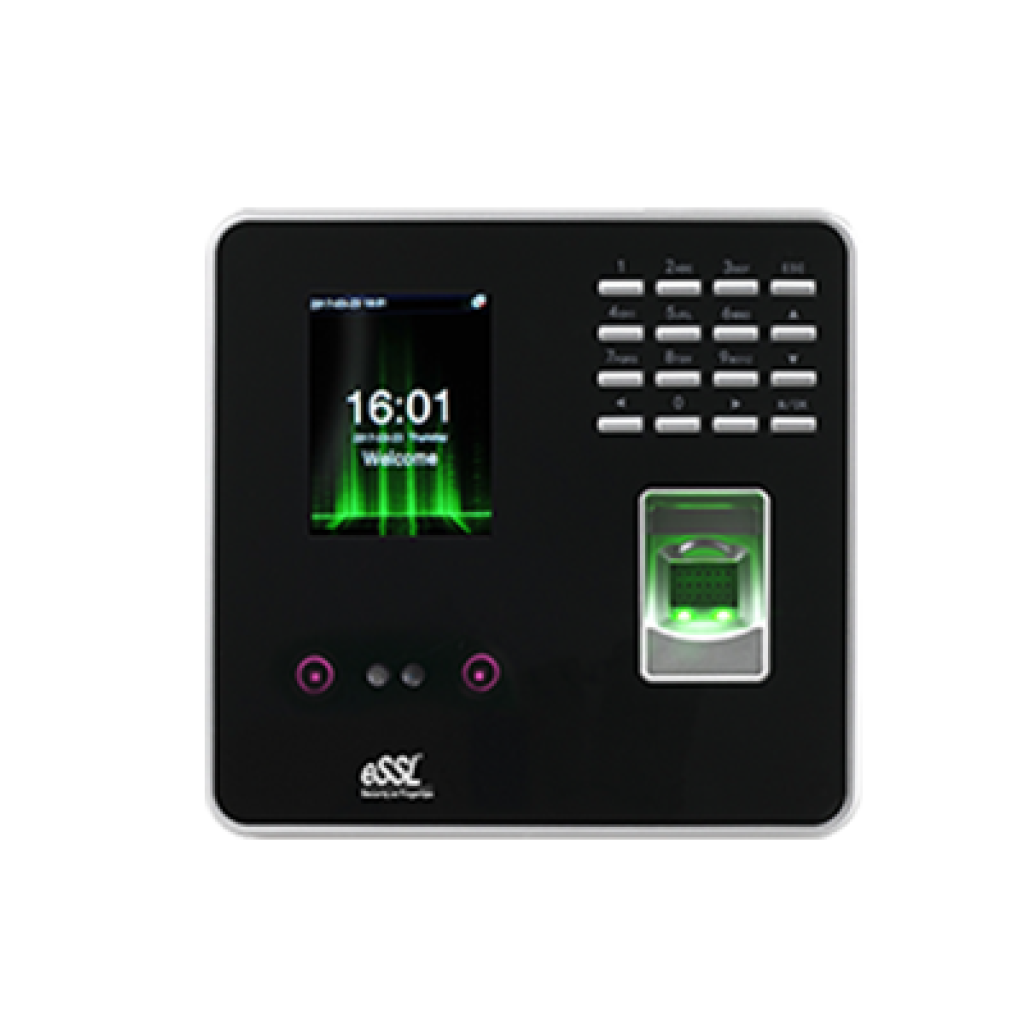
Face - MB20
Price - Rs. 9000
Category - Face
Features -
User Capacity : 1000 ,
Fingerprint Capacity : 2000 ,
Face Capacity : 500,
Transaction Capacity : 50000.
Note : "We strongly recommend contacting your vendor to request a firmware update that includes the auto-block feature."
Specifications
Storage Capacity
- User Capacity : 1000
- Fingerprint Capacity : 2000
- Face Capacity : 500
- Transaction Capacity : 50000
Visual/Audio
- Display : 2.8" Color LCD
- Sound : Stereo Speaker
Communication
- Communication : TCP/IP, USB-Host
- Push Data : Yes (≤1 Sec)
Standard Function
- Automatic Status Switch, Self-Service Query, DST, T9 Input, 9Digit User ID,Scheduled Bell, Photo ID, Lock, Sensor, Exit Button
Power & Environment
- Power Supply : DC 5V --- 0.8A
- Operating Temperature : 0°C - 45°C
- Operating Humidity : 20% - 80%
- Dimension (in mm) : (L)161.93 x (W)152.82 x (H)30.59
Features
- Fingerprint, face, RFID and password 4 type verification mode
- High-speed identification less than 1 second
- TCP/IP Port for Internet connection
- Access Port available to control one lock and exit button
- Optional 5V 1900mAH UPS, standby up to 3 hours
4-in-1 Feature Combo
All essential tools combined for a seamless experience
Price: Rs. 11,400(Rs.1,000 courier charges will be extra)
Face MB 20
Rs.9000
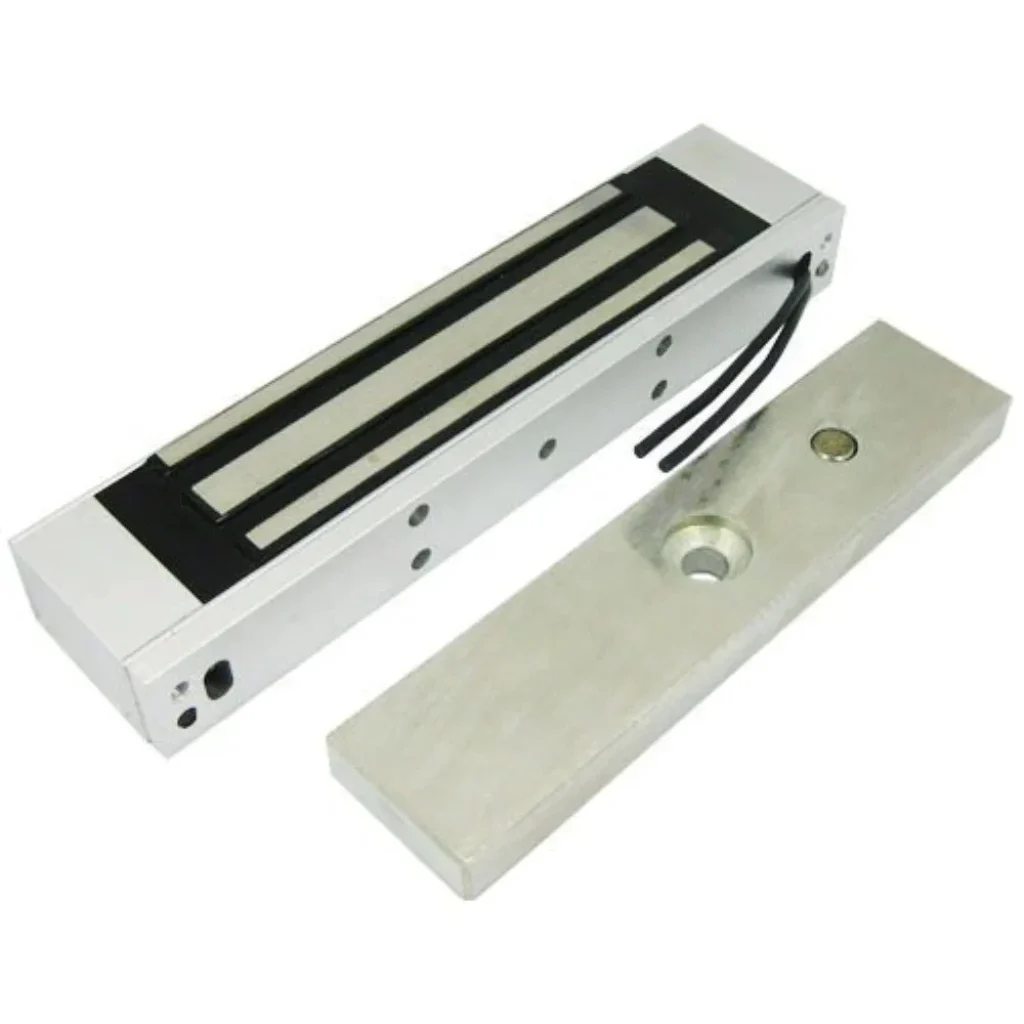
EM Lock
Rs.1600
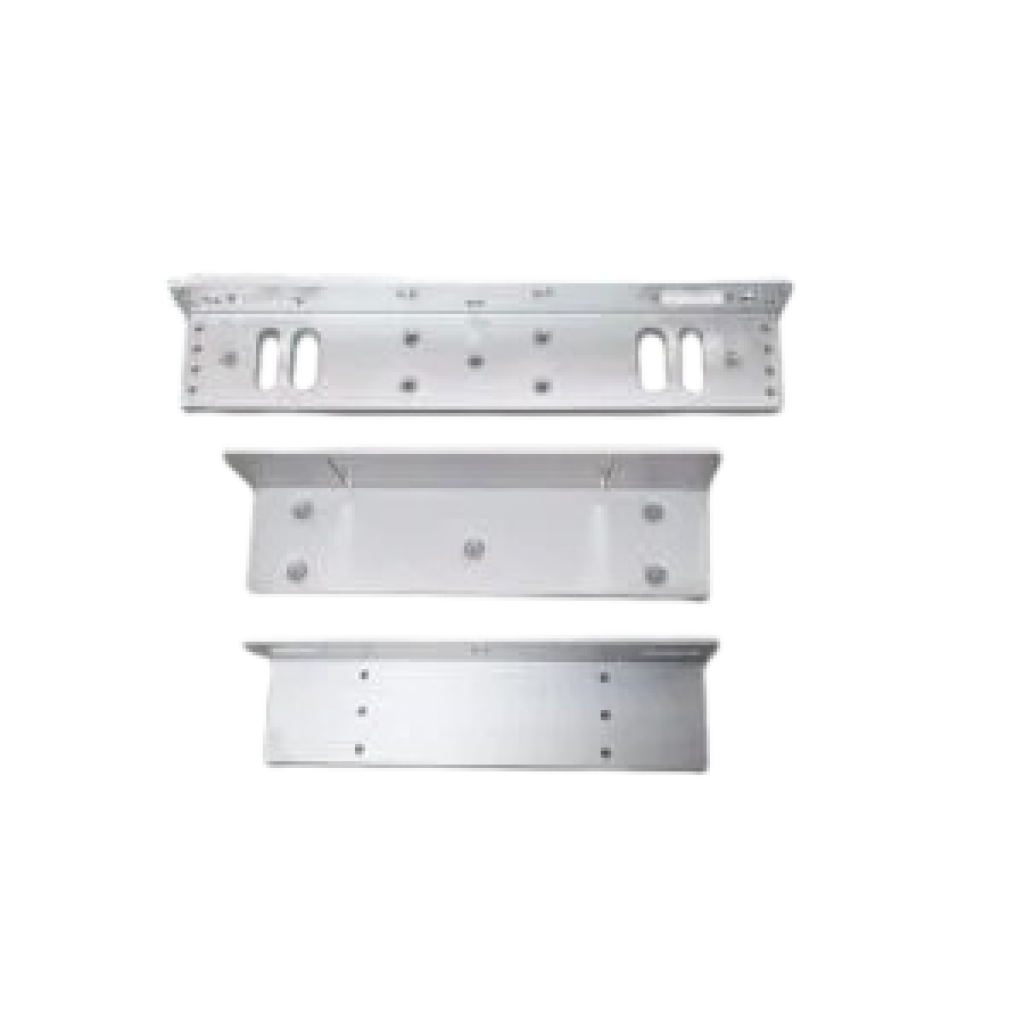
L/U Bracket
Rs.450
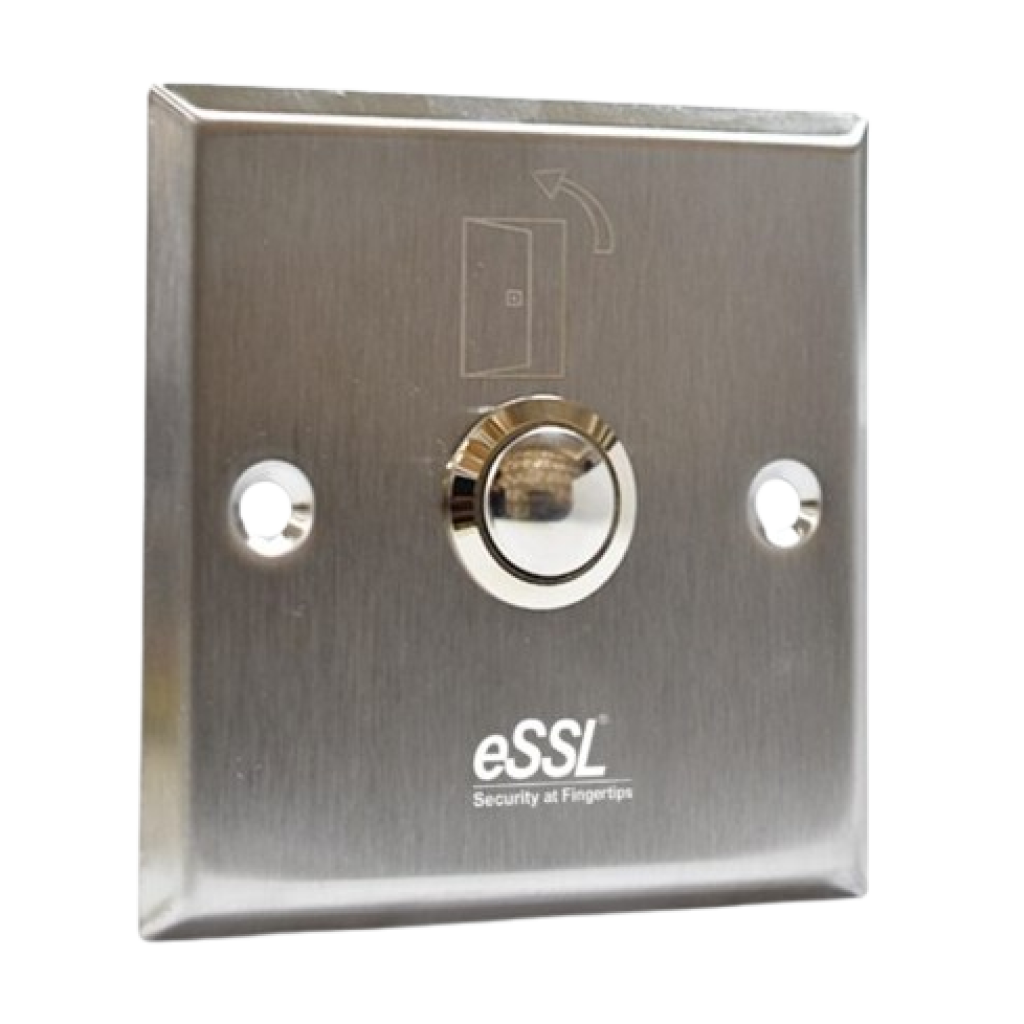
Exit Switch
Rs.350
How to Setup ESSL Biometric
Follow these Steps for Configuration
Step 1 : Change Server Address
Location: *Main Menu >> Comm. >> Cloud Server Settings*
Enable Domain Address: True (ON)
Server Address: essl.ndgms.com:86
Enable Proxy Server: False (OFF)
HTTPS: False *(OFF)
Note: Please Share Photo of the screen when settings done.*
Step 2 : Check DHCP Setting
Location: Main Menu >> Comm. >> Ethernet/Wireless Network
DHCP: *True (ON)
Note: Please Share Photo of the screen when settings done.*
Step 3 : Share Device/Cloud ID
Location: Main Menu >> System Info/About >> Device Info >> Device ID
Note: Please Share Photo of the screen.*