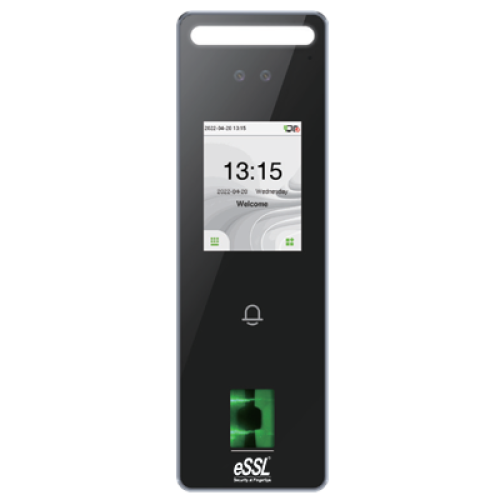
Aiface Magnum
Price - Rs. 15400
Category – Face
Features :
· IP65 water and dust resistance,
· Operating temperature from -5°C to 45°C,
· Support Facial / Fingerprint / RFID,
· Available card modules :12.5 KHz ID card / 13.56MHz IC card ,
· Fill Light with adjustable brightness,
· On Board Web Server for system configuration
Specifications
Technical Specification
- Face Capacity : 1500
- Fingerprint Capacity : 5000
- Card Capacity : 10,000
- Transaction Capacity : 200,000
- Display : 2.4-inch touch Screen
- Facial Recognition Algorithm : eSSLFace 3.5
- Facial Recognition Speed : < 1s
- Facial Recognition Distance : 0.5m to 2m
- Communication : TCP/IP,WiFi(Optional),Wiegand Input/Output,RS485
- Operation System : Linux
- Standard Functions : ADMS, DST, Camera, 14-digit User ID, Access Levels,Groups, Holidays, Anti passback, Record Query, Tamper Switch Alarm, Multiple Anti-Passback
- Hardware : 1.2GHz Dual Core CPU, 256MB RAM/512MB Flash, 1MP Binocular Camera Adjustable LED Fill Light
- Access Control Interface : 3rd Party Electric Lock, Door Sensor, Exit Button, Alarm output, Auxiliary Input
- Power Supply : 12V 3A
- Ingress Protection Rating : IP65
- Operating Temperature : -5°C to 45°C
- Operating Humidity : 10% to 90% RH
- Dimensions(L*W*D) : 185*58.5*20mm
- Operating Temperature : -5°C to 45°C
Features
- IP65 water and dust resistance
- Operating temperature from -5°C to 45°C
- Support Facial / Fingerprint / RFID
- Available card modules :12.5 KHz ID card / 13.56MHz IC card
- Fill Light with adjustable brightness
- On Board Web Server for system configuration
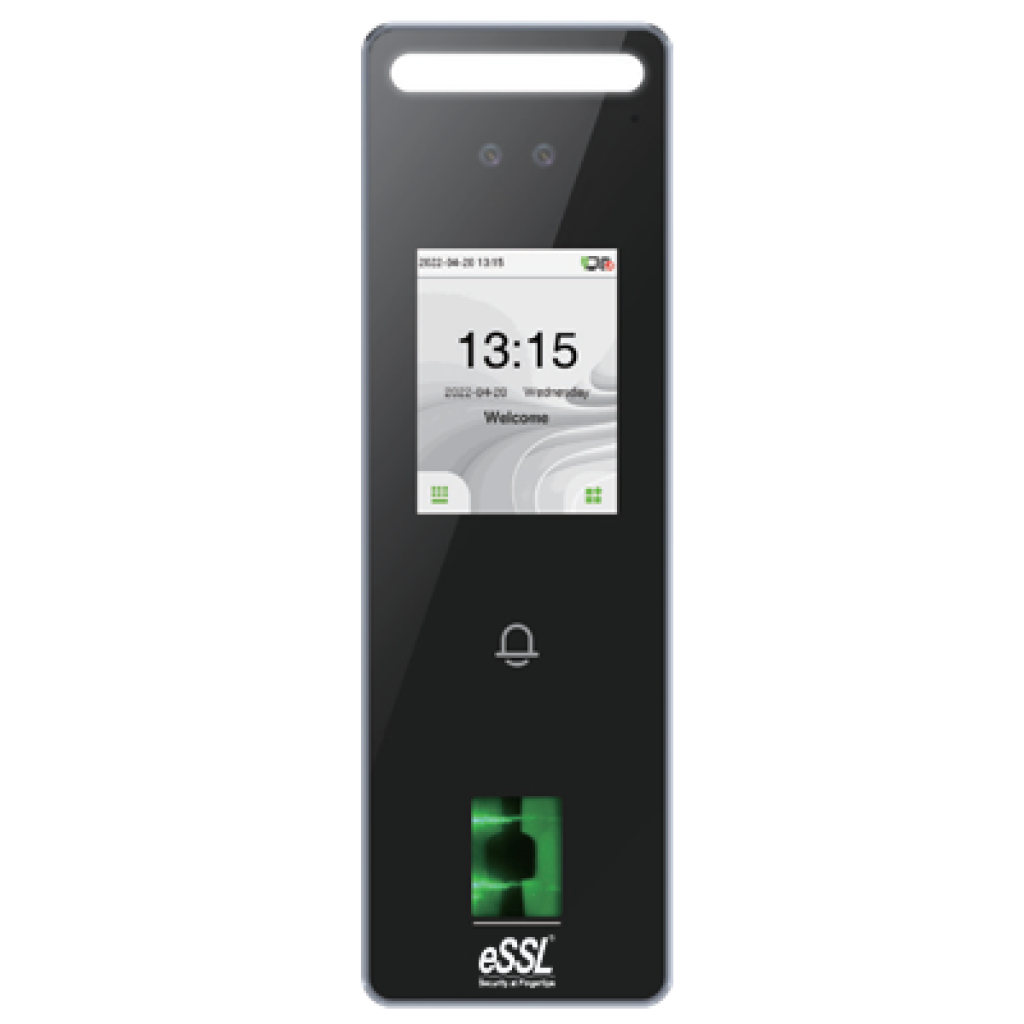
4-in-1 Feature Combo
All essential tools combined for a seamless experience
Price: Rs. 17,800(Rs.1,000 courier charges will be extra)
AiFace Magnum
Rs.15400
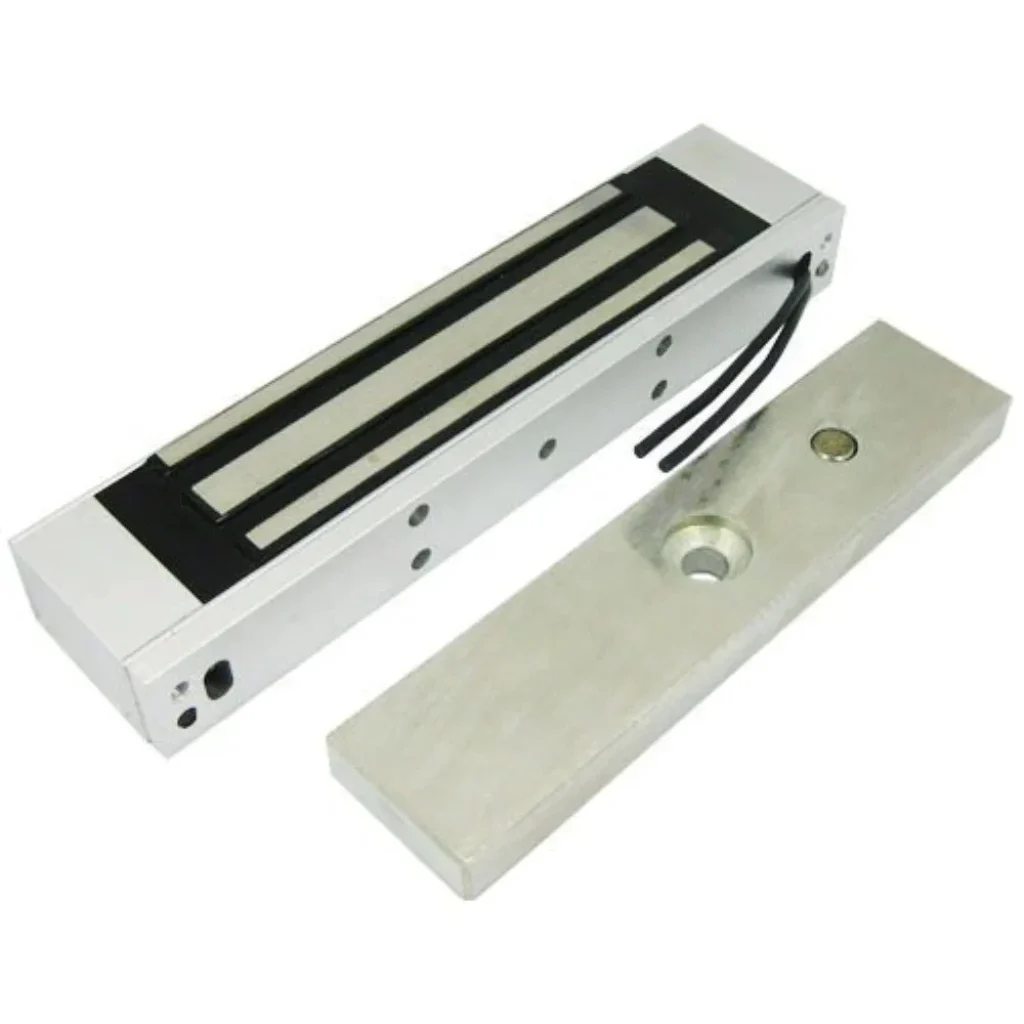
EM Lock
Rs.1600
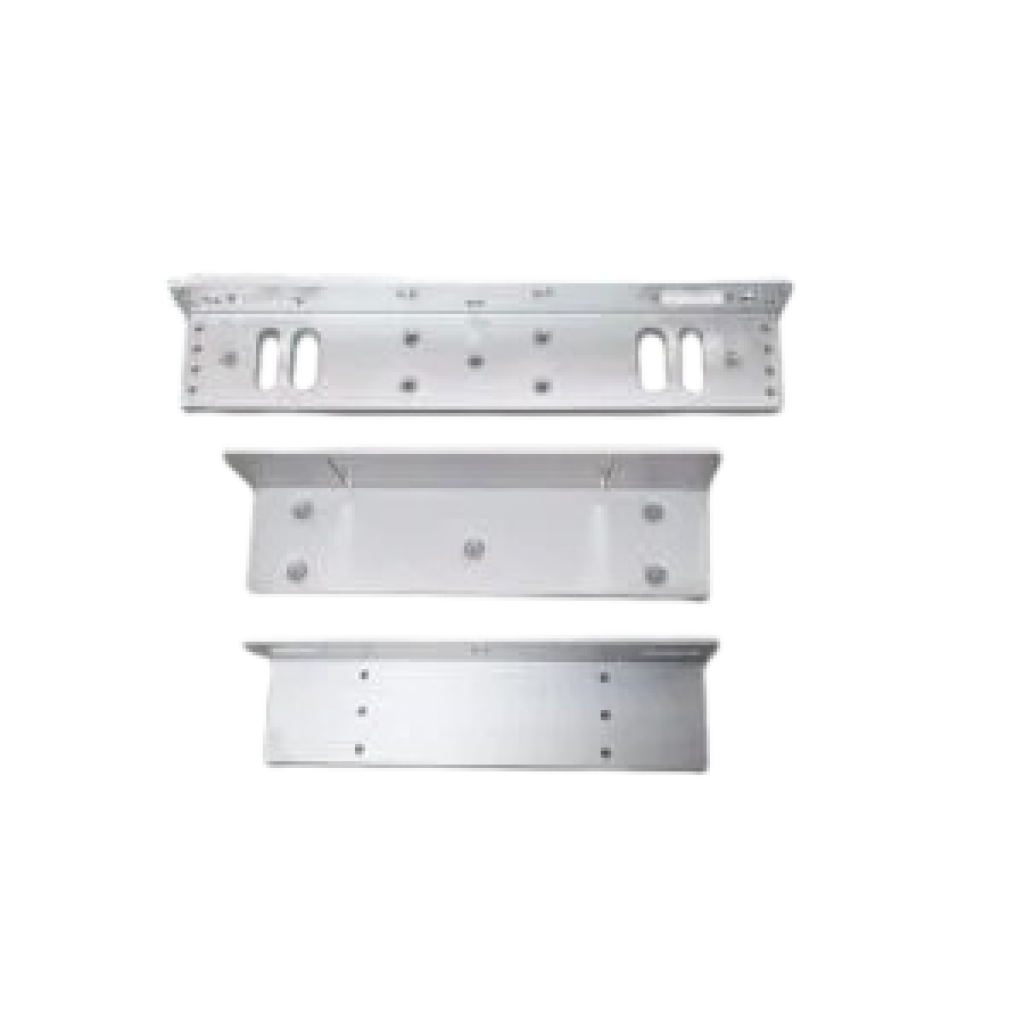
L/U Bracket
Rs.450
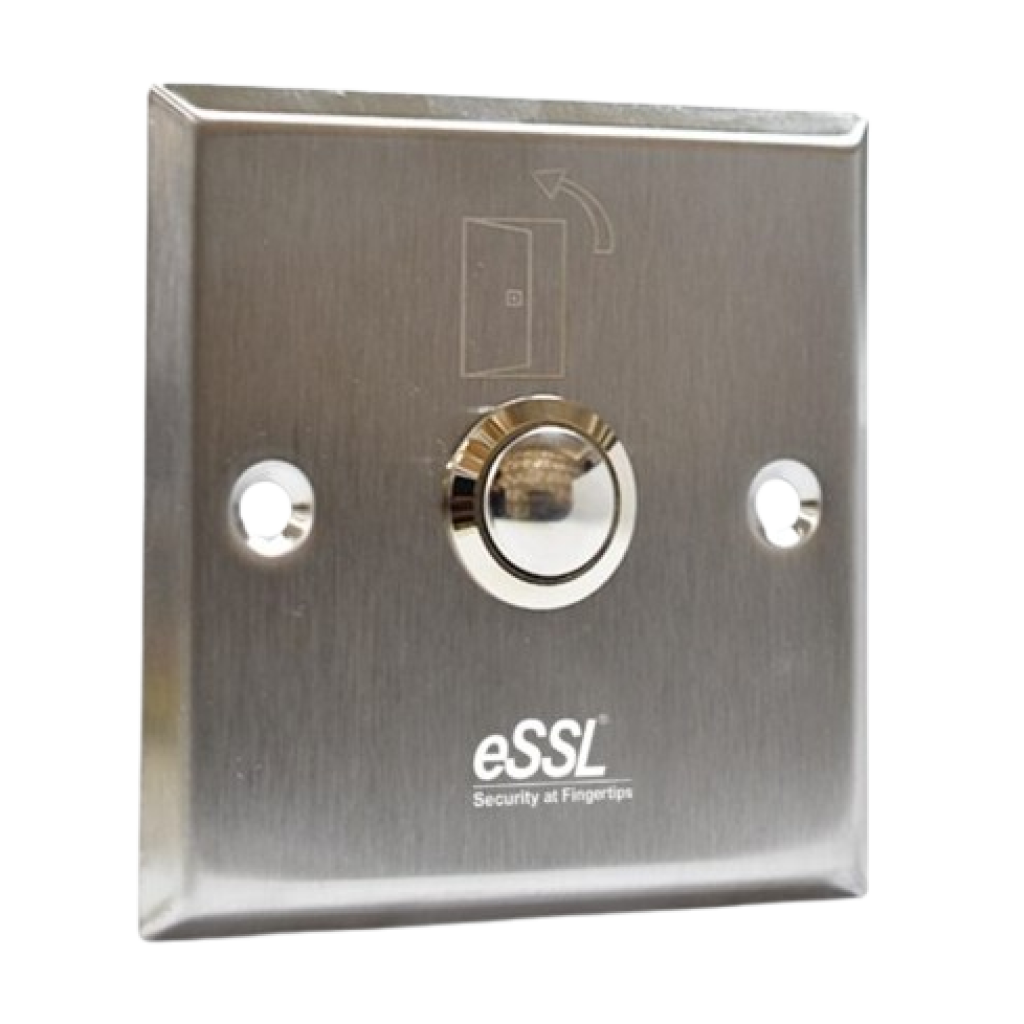
Exit Switch
Rs.350
How to Setup ESSL Biometric
Follow these Steps for Configuration
Step 1 : Change Server Address
Location: *Main Menu >> Comm. >> Cloud Server Settings*
Enable Domain Address: True (ON)
Server Address: essl.ndgms.com:86
Enable Proxy Server: False (OFF)
HTTPS: False *(OFF)
Note: Please Share Photo of the screen when settings done.*
Step 2 : Check DHCP Setting
Location: Main Menu >> Comm. >> Ethernet/Wireless Network
DHCP: *True (ON)
Note: Please Share Photo of the screen when settings done.*
Step 3 : Share Device/Cloud ID
Location: Main Menu >> System Info/About >> Device Info >> Device ID
Note: Please Share Photo of the screen.*