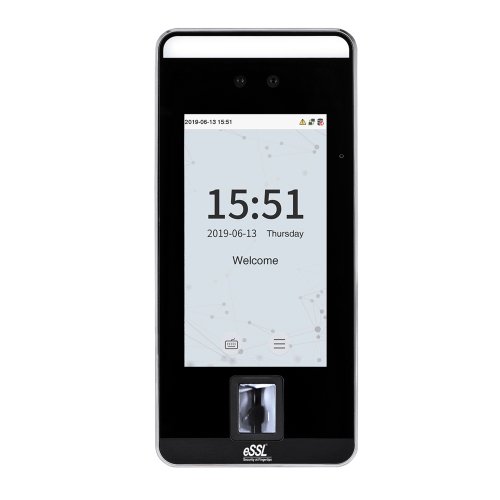
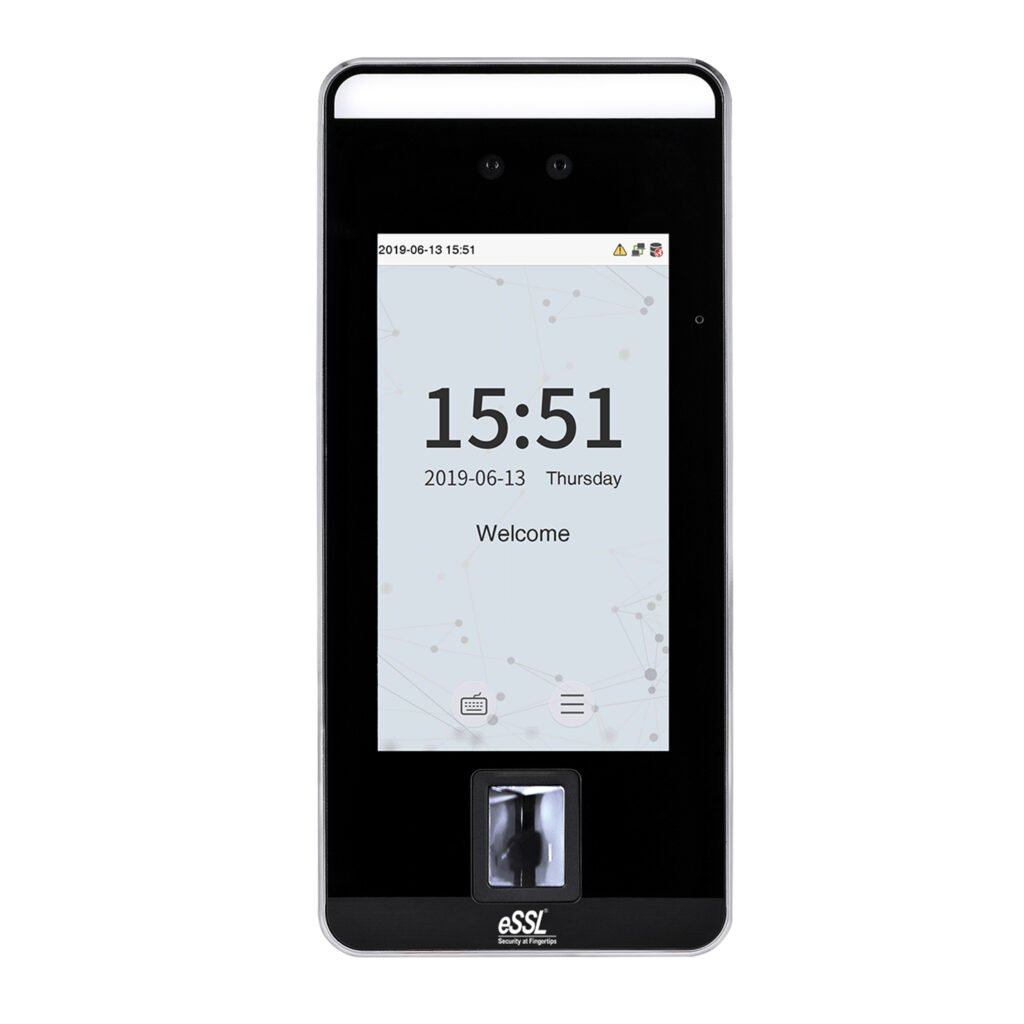
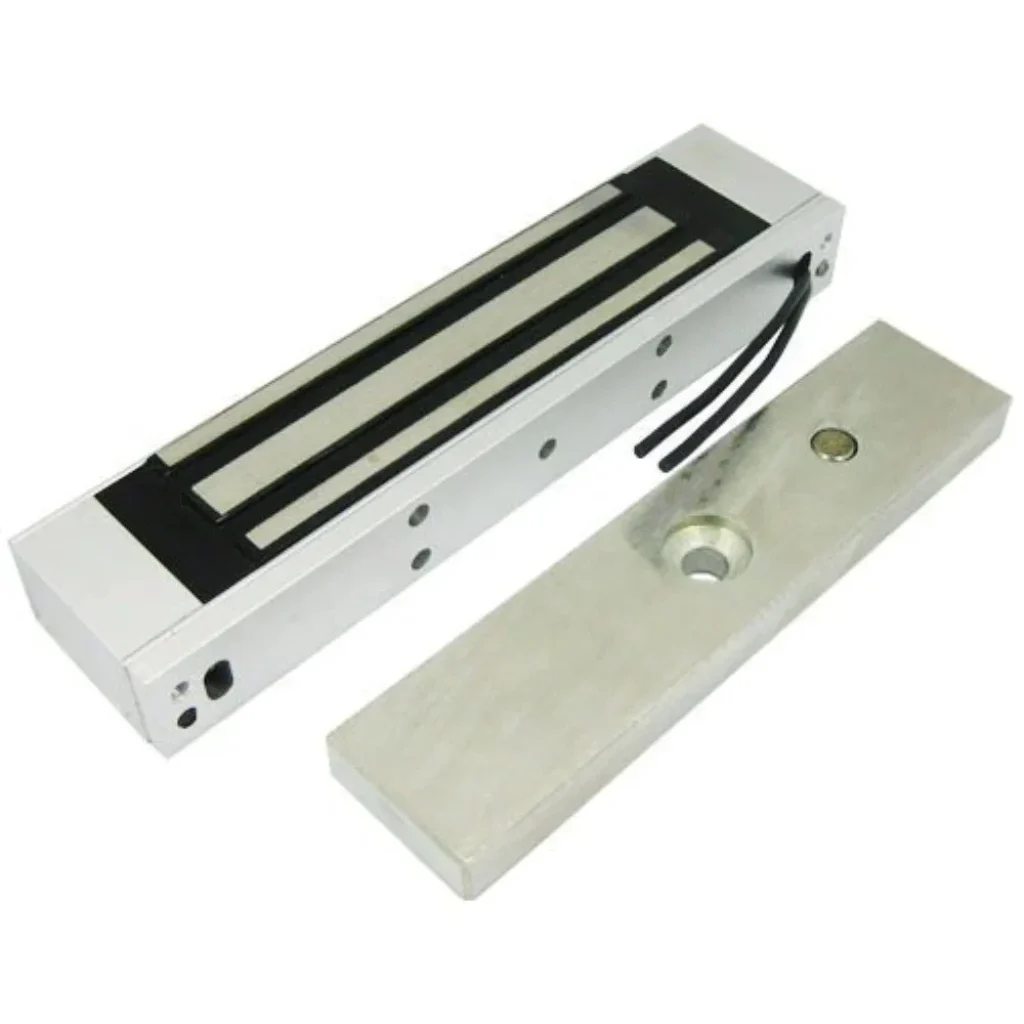
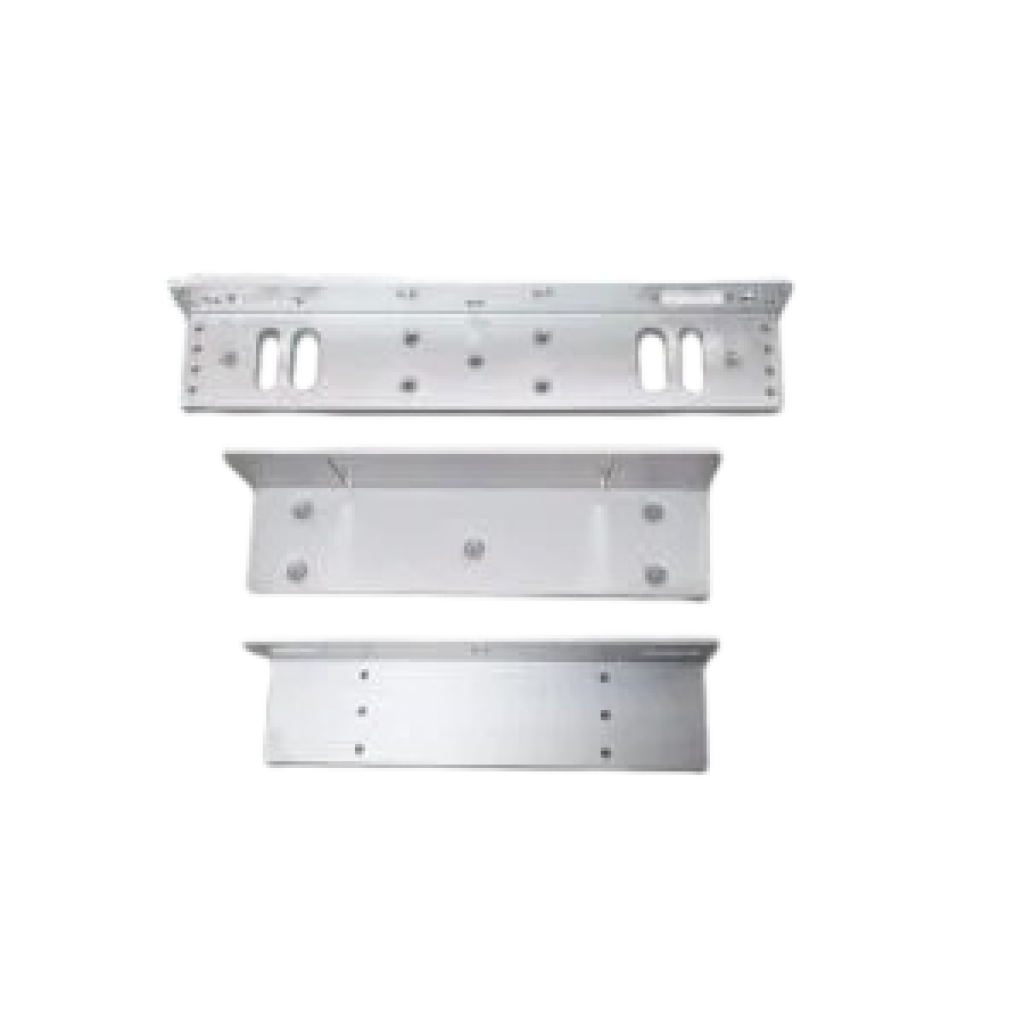
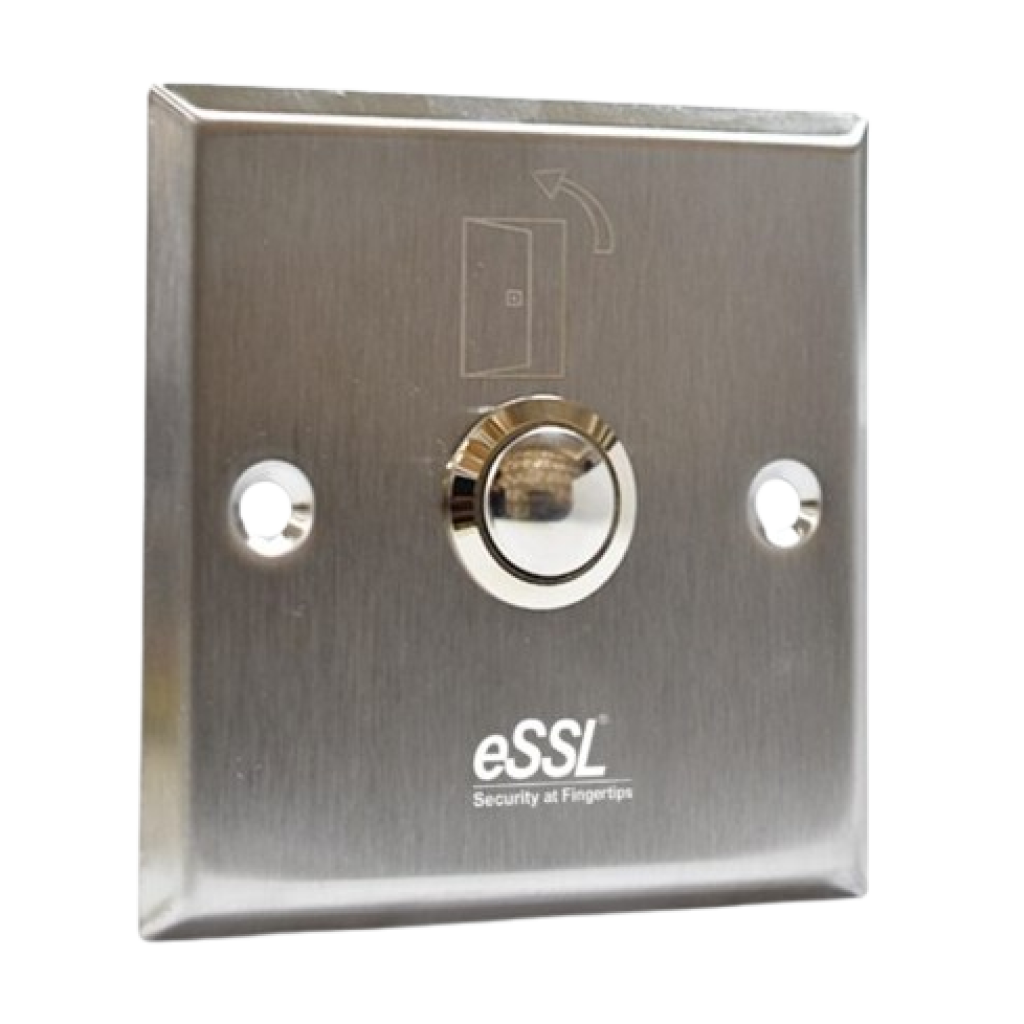
Aiface ArionPrice - Rs. 30,000Category – FaceFeatures : Display : 5-Inch,Camera : WDR Low Light Camera @ 2MP ,Authentication Method : Face / Fingerprint / Card / Password (Virtual Keypad) ,Operation System : Linux Specifications Technical SpecificationDisplay : 5-InchCamera : WDR Low Light Camera @ 2MPOperation System : LinuxHardware : CPU: 1.GHz Dual Core , RAM: 1GB , ROM: 8GBAuthentication Method : Face / Fingerprint / Card / Password (Virtual Keypad)Fingerprint Template Capacity : 6,000 (1:N)Face Template Capacity : 6,000 (1:N)Card Capacity : 10,000 (1:N)Transaction Capacity : 200,000 (1:NBiometric Verification Speed : Fingerprint: < 0.3 sec , Facial Recognition: < 1 secTouchless Biometric Recognition Distance : 1cm to 100cm - Facial RecognitionFalse Acceptance Rate (FAR) % : Facial Recognition: FAR ≤ 0.01% , Fingerprint: FAR ≤ 0.0001%False Rejection Rate (FRR) % : Facial Recognition: FRR ≤ 0.02% , Fingerprint: FRR ≤ 0.01%Card Type : Proximity ID Card@125 kHz , Mifare IC Card@13.56 MHz (Optional) , HID Prox, HID Iclass (Optional)Communication : TCP/IP, Wiegand (Input & Output),RS485,Wi-FiAccess Control Interface : Electro Magnetic Lock/ Electric Lock, Door Sensor, Exit Button, Alarm OutputPower Supply : DC 12V 3AOperating Temperature : -10°C to 45°COperating Humidity : 10% to 90% RH (Non-condensing)Dimensions : 91.93mm * 202.93mm * 21.5mm (L*W*H)Supported Software : eTimetracklite 4-in-1 Feature ComboAll essential tools combined for a seamless experiencePrice: Rs. 32,400 (Rs.1,000 courier charges will be extra) AiFace ArionRs.30000 EM LockRs.1600 L/U BracketRs.450 Exit SwitchRs.350 How to Setup ESSL BiometricFollow these Steps for Configuration Step 1 : Change Server AddressLocation: *Main Menu >> Comm. >> Cloud Server Settings*Enable Domain Address: True (ON)Server Address: essl.ndgms.com:86Enable Proxy Server: False (OFF)HTTPS: False *(OFF)Note: Please Share Photo of the screen when settings done.* Step 2 : Check DHCP SettingLocation: Main Menu >> Comm. >> Ethernet/Wireless NetworkDHCP: *True (ON)Note: Please Share Photo of the screen when settings done.* Step 3 : Share Device/Cloud IDLocation: Main Menu >> System Info/About >> Device Info >> Device IDNote: Please Share Photo of the screen.* Setup TutorialWatch Video Tutorial Here See Video