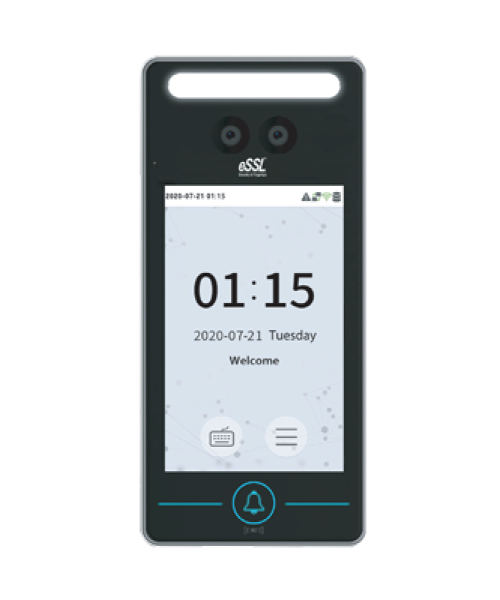
Pluto

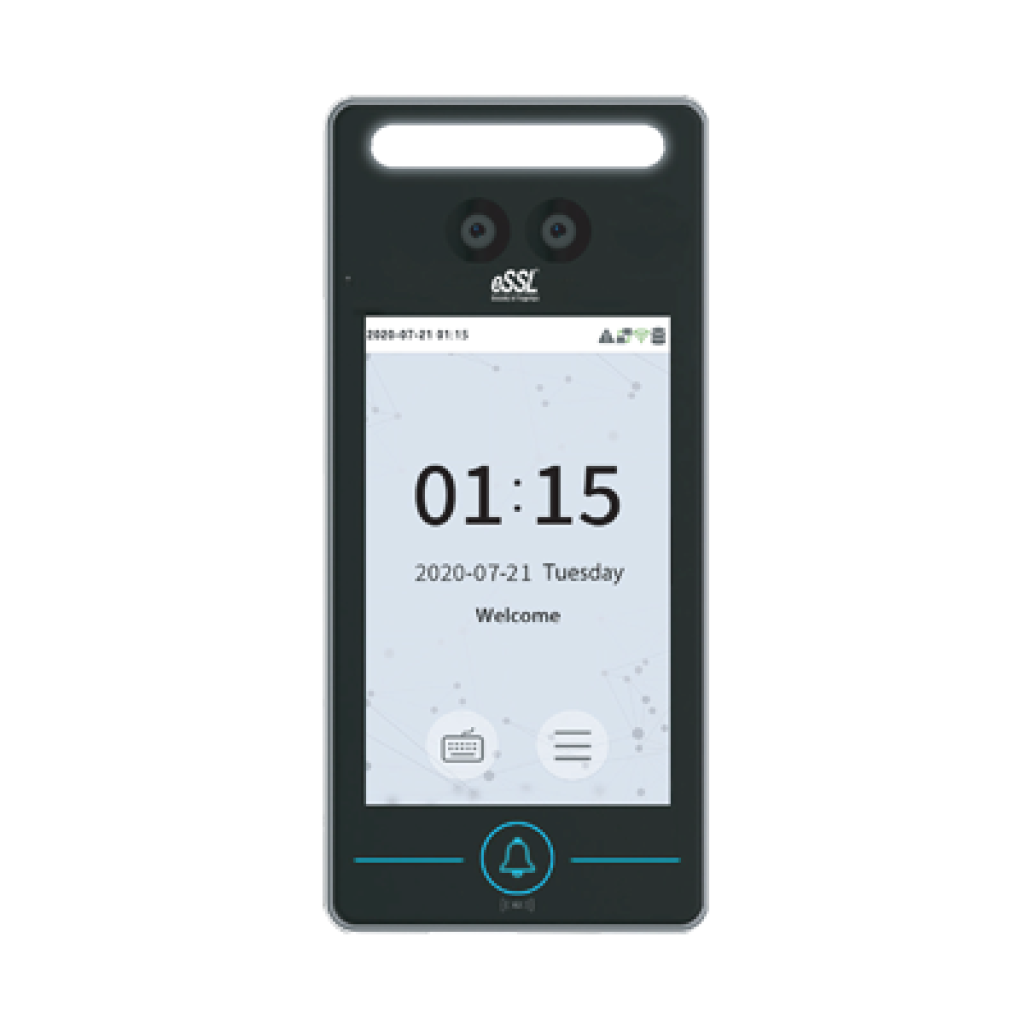
Aiface Pluto

Price - Rs. 15000

Category – Face

Features  : 

Visible Light Facial Recognition,
Anti-spoofing algorithm against print attack(laser, color and B/W photos),videos attack and 3D mask attack,
Available card modules : 125kHz ID card (EM) RFID S50/S70 IC card (13.56MHz) 1k/4k,
Supplement lighting with adjustable brightness
Specifications

Technical Specification

  • Display : 4-inch Touch Screen
  • Face Capacity 1000
  • Card Capacity 1000
  • Transactions 150000
  • Operation System Linux
  • Standard Functions : ID Card, ADMS, T9 Input, DST, Camera, 9-digit User ID, Access Levels, Groups, Holidays,Anti-passback, Record Query, Tamper Switch Alarm, Multiple Verification Methods
  • Hardware : 900MHZ Dual Core CPU 512MB RAM / 512MB ROM 2MP Binocular Camera Adjustable LED Supplement Lighting
  • Communication : TCP/IP, WiFi, Wiegand Input/Output, RS485
  • Access Control Interface : 3rd-party Electric Lock, Door Sensor, Exit Button, Alarm Output, Auxiliary Input
  • Optional Function: RFID S50/S70 IC card (13.56MHz) 1k/4k
  • Face Recognition Speed _1s
  • Biometrics Algorithms Face VX5.8
  • Power Supply 12V 3A
  • Working Humidity 10%-90%
  • Working Temperature -10 °C- 45 °C
  • Dimensions (W*H*D) 72.94 * 157.94 * 23 (mm)
  • Net Weight 260g
  • Supported Software eTimeTracklite

Features

  • Visible Light Facial Recognition
  • Anti-spoofing algorithm against print attack(laser, color and B/W photos), videos attack and 3D mask attack
  • Available card modules : 125kHz ID card (EM) RFID S50/S70 IC card (13.56MHz) 1k/4k
  • Supplement lighting with adjustable brightness
4-in-1 Feature Combo

All essential tools combined for a seamless experience
Price: Rs. 17,400(Rs.1,000 courier charges will be extra)
Pluto

AiFace Pluto

Rs.15000
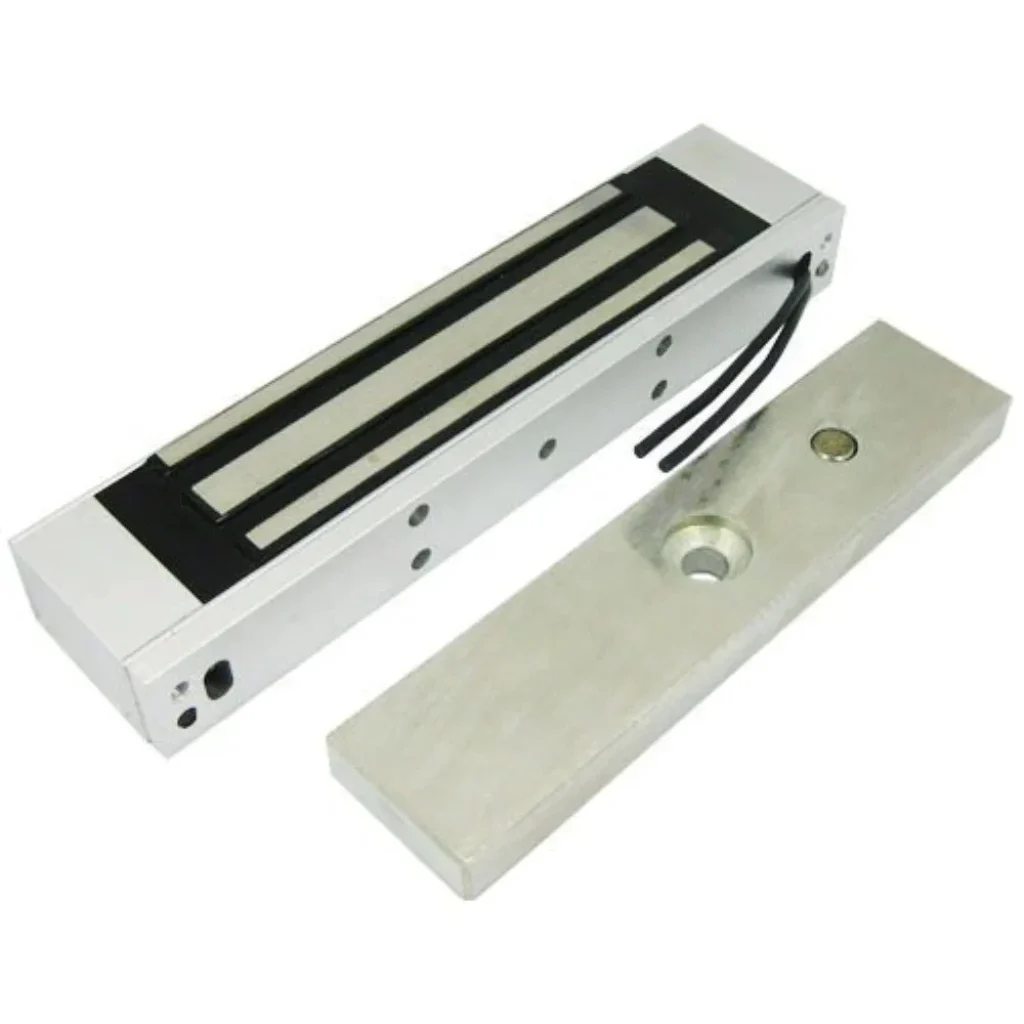
essl-magnet-em-lock-for-door-lock-access-method-biometric-1000x1000

EM Lock

Rs.1600
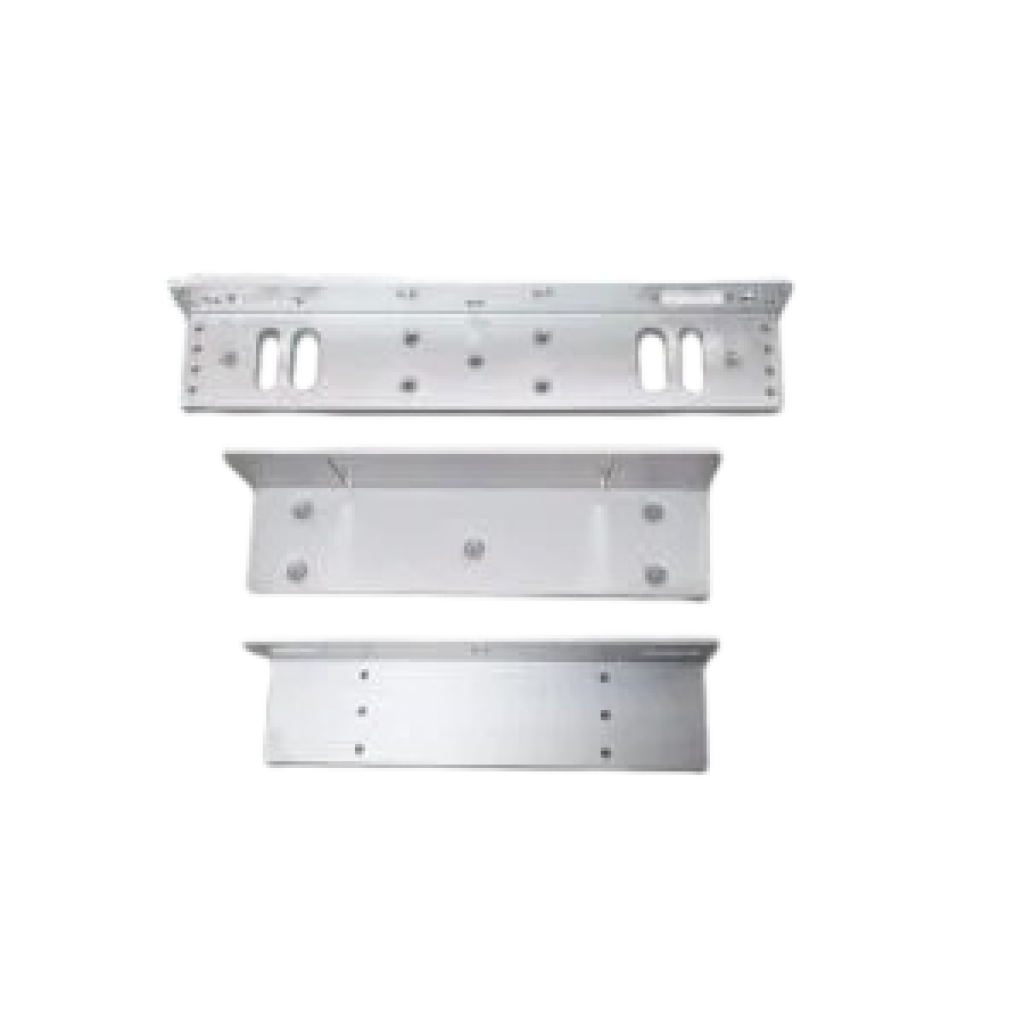
EML600-7-LZ-1-300x300-removebg-preview

L/U Bracket

Rs.450
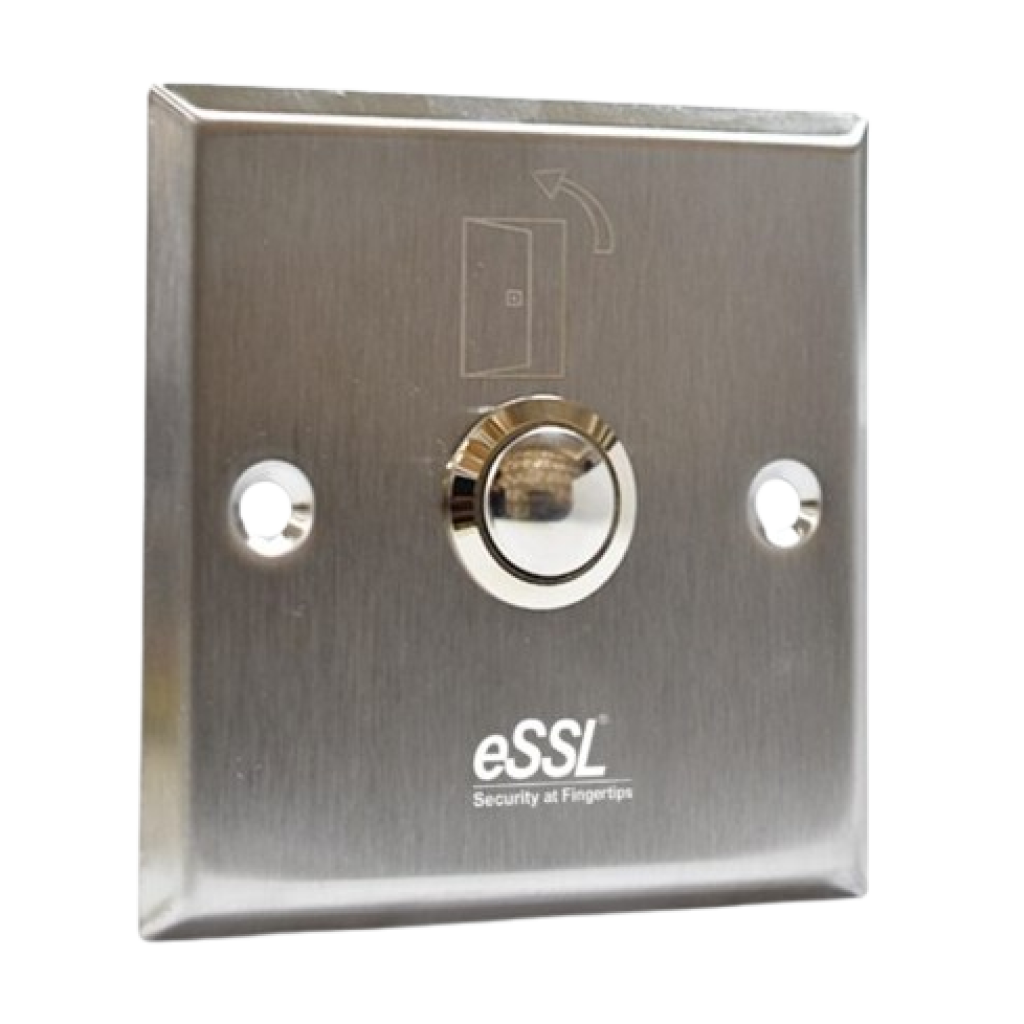
essl-Push-9-SQ-600x576-removebg-preview

Exit Switch

Rs.350

How to Setup ESSL Biometric

Follow these Steps for Configuration

Step 1 : Change Server Address

Location: *Main Menu >> Comm. >> Cloud Server Settings*
Enable Domain Address: True (ON)
Server Address: essl.ndgms.com:86
Enable Proxy Server: False (OFF)
HTTPS: False *(OFF)
Note: Please Share Photo of the screen when settings done.*

Step 2 : Check DHCP Setting

Location: Main Menu >> Comm. >> Ethernet/Wireless Network
DHCP: *True (ON)
Note: Please Share Photo of the screen when settings done.*

Step 3 : Share Device/Cloud ID

Location: Main Menu >> System Info/About >> Device Info >> Device ID
Note: Please Share Photo of the screen.*

Setup Tutorial

Watch Video Tutorial Here